Website
- Add one line of code, or follow the guide for WordPress, Wix, Shopify, Squarespace, Webflow, Framer or Google Sites.
- Match your brand colors, greeting and position.
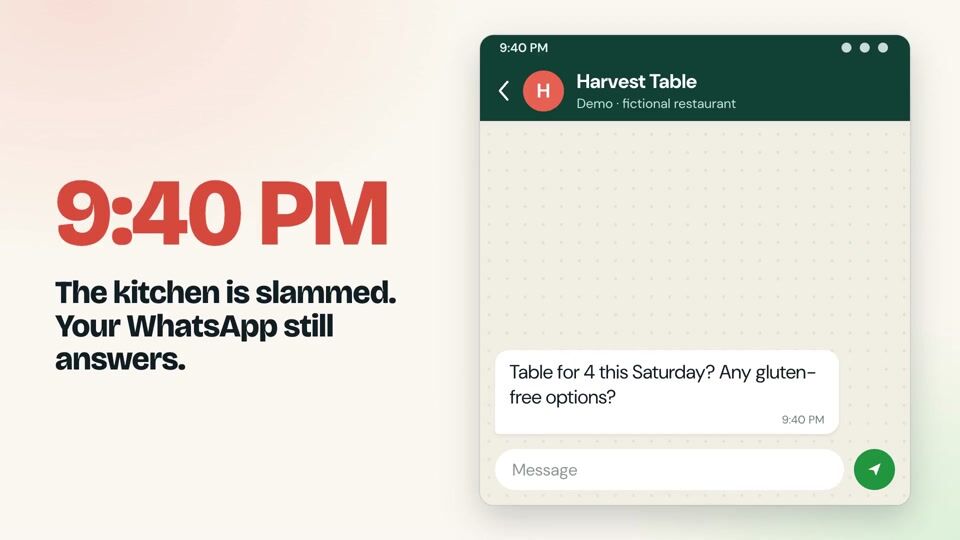
An AI agent that answers your menu, hours and allergen questions, and takes reservation requests on WhatsApp. 24/7, in the guest's language, on the official WhatsApp API.
In live use at a hotel & restaurant in Costa Rica · replies in English, Spanish, Portuguese + 10 more languages.
first week · a Costa Rica hotel & restaurant, real user
when your staff replies from the phone
auto-detected
menu + bookings + WhatsApp
The four questions your staff answers all day, handled by one agent, in the same chat.
Trained on your menu, hours and FAQ. Handles allergens, vegan options and prices without making anything up.
The guest picks a day, a time and a party size. You get an email with everything and your team confirms. No missed calls.
Birthdays, company dinners, large groups. The bot asks for a name and contact, and the lead lands in your dashboard with CSV export.
A complaint, a serious allergy or a special request goes to a person. Your team takes the conversation and the bot goes quiet.
The engine is the same on every industry page. Each feature shows the plan that includes it.
A connection through the official WhatsApp Business Platform. Follow the guided connection and choose an eligible number. Meta's messaging rules still apply.
Chat with your agent from your phone through our test number, before you connect anything.
Name, phone, email and your own qualifying questions. An email for every new lead, or a webhook to your CRM.
Every channel in one inbox. Reply from your phone and the bot stays silent in that chat for 12 hours.
Appointment requests your staff confirms and a catalog from CSV or Google Sheets.
Prices, opening hours, areas you cover, "is it still available?". The agent answers the questions your team hears every day, on every channel.
When a customer asks for a person, or is ready to buy, the chat moves to your team inbox. Assign it, add a note, reply, or pause the AI. Reply from your own phone and the AI stays quiet in that chat for 12 hours.
Email and browser alerts are available. Other team channels depend on your configuration.
Can a person check if Thursday morning works?
Customer asked for a person · AI paused in this chat
MayaHi Sam, this is Maya. Thursday 9 to 11 works. Dan will call you before he arrives.
Sam R. wants to talk to a person
Fixwell Home Services · Website chat
Same knowledge and the same lead questions everywhere. Your customers pick where to write. Your team answers from one inbox.
Connect each channel from the Channels tab.
A menu PDF, your website or plain text. The bot learns dishes, prices and hours. 2 to 5 minutes.
Enable the booking tool and define your services. Every request lands in your email.
Follow the guided connection and choose the restaurant's number. Eligible numbers can keep the WhatsApp Business app, and the bot now answers guests.
Anything you leave in this chat goes to my personal email (facundo@toptive.co). The reservation and the lead are real; the restaurant is fictional.
The menu and hours belong to a fictional restaurant built for this demo. The reservation and lead forms do reach my inbox.
For one location with one menu.
Several locations, or a hotel with a restaurant.
Need more? See full pricing — Business plan from $199/mo.
No. It takes the request (day, time, party size) and emails it to you; your team confirms. It is not connected to OpenTable or your table system, on purpose: the floor stays under your control.
Open WhatsApp in your dashboard and follow the guided connection, then choose the restaurant's eligible number. It goes through the official WhatsApp Business Platform, with setup guided from your dashboard. Meta may ask you to verify your business.
Upload the new menu (PDF, text or your site) and the bot retrains in minutes. Old dishes and prices disappear from its answers.
It answers what your menu declares: ingredients, gluten-free options, vegan dishes. For a serious allergy it hands off to your team; it never improvises health advice.
Yes. Train it on rooms, rates and amenities, and use bookings for stay requests. A Costa Rica hotel & restaurant runs it for both today.
5-minute setup. Start with a 7-day free trial.