Search and browse help
How to add a chatbot to Google Sites
Install and test ChatbotGen on your Google Sites website.
Google Sites embeds content inside a page frame. Use the chatbot's shareable link for an inline chat; it will not become a floating bubble across the whole site.
Add the chat
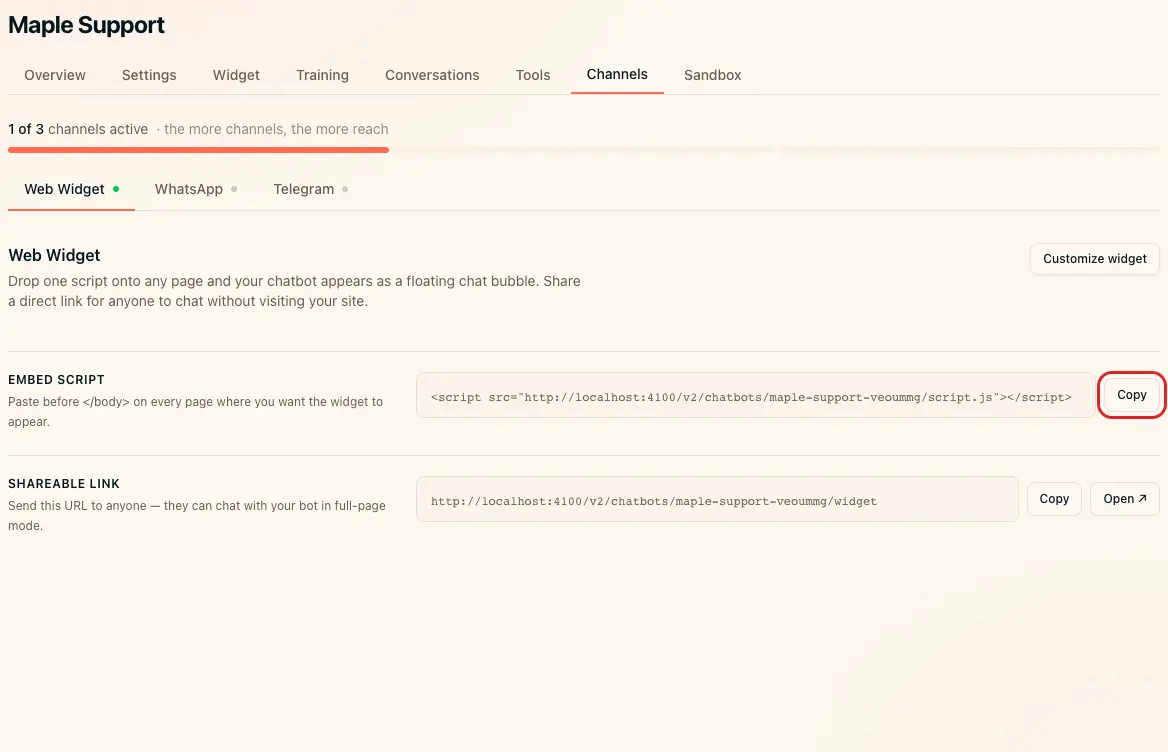
- Open your chatbot's Channels → Web Widget page.
- Copy Shareable link.
- Open your site in Google Sites.
- Choose Insert → Embed.
- Paste the shareable link in the URL field.
- Click Insert.
- Resize the frame so visitors can read and type comfortably.
- Click Publish.
Verify installation
Open the published page in a private window. Send a question in the embedded chat. If embedding is blocked or the frame is too small, add a button linking to the shareable URL instead.